
THE BWEE SOFTWARE FAMILY
Your favourite light. At your fingertips.
Manage rooms, save your favorite scenes, or let your lights respond to the content playing for an immersive, interactive experience.
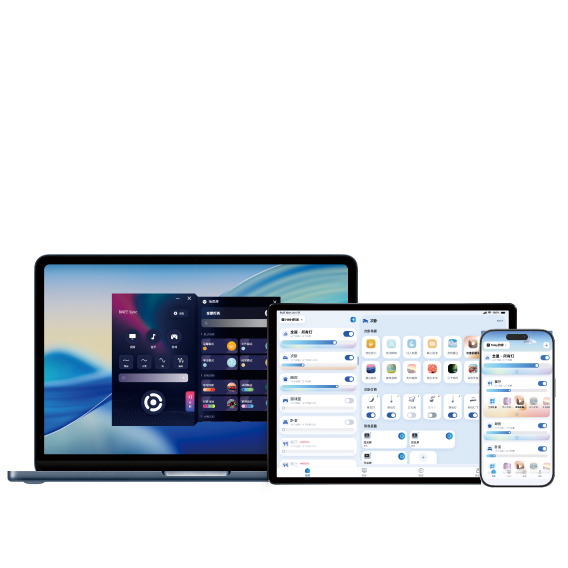
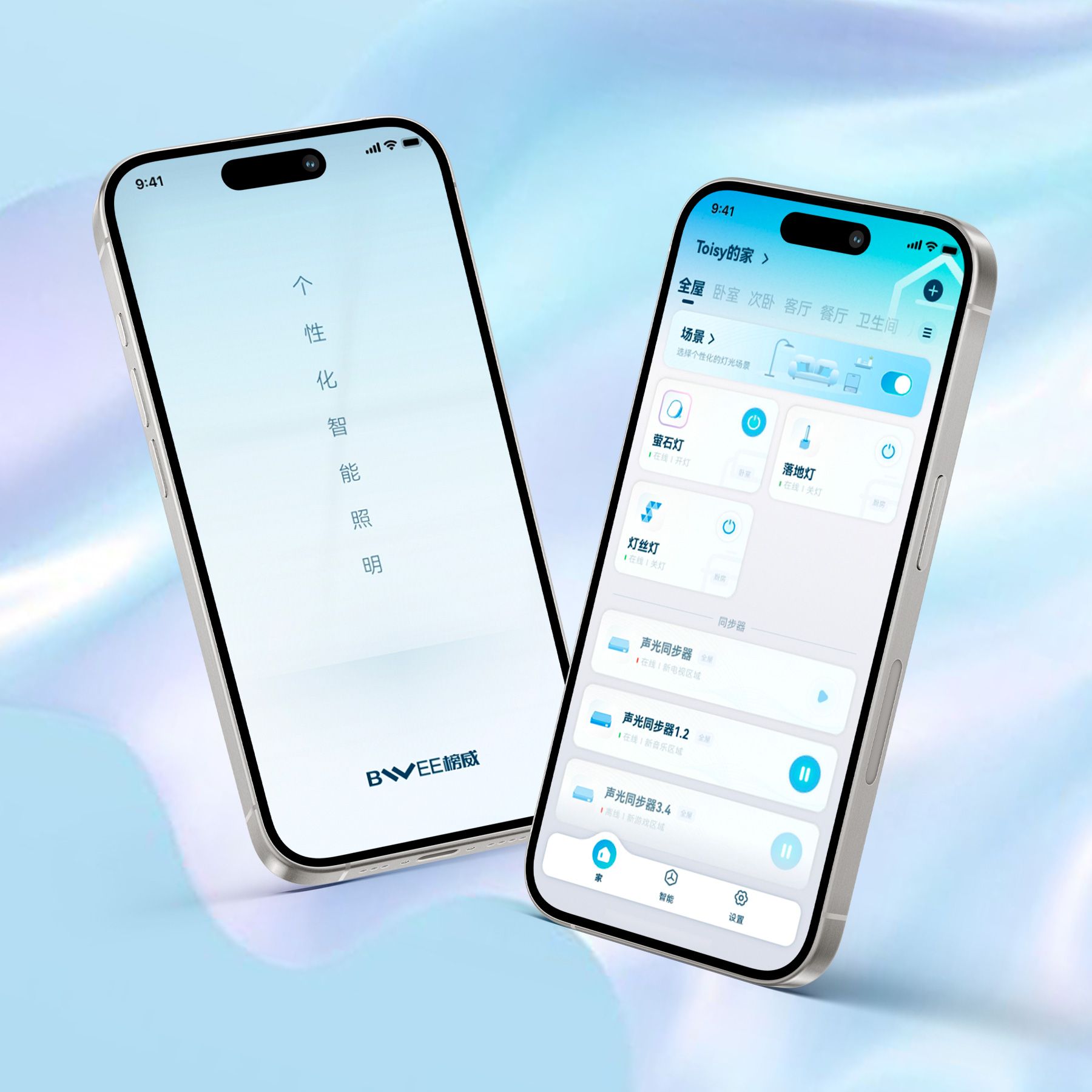
Whole-home lighting app
BWEE Home
A tap, a swipe. Control your home with ease.
Start by connecting lights and control devices, then manage lighting throughout your home by room. From everyday scenes to DIY creations, coordinating lights across your home is simpler.
- Room and device management
- Light scenes and whole-home routines
- Compatible ecosystem connections
For use with compatible BWEE lights, hubs and controls.


Colour and ambience app
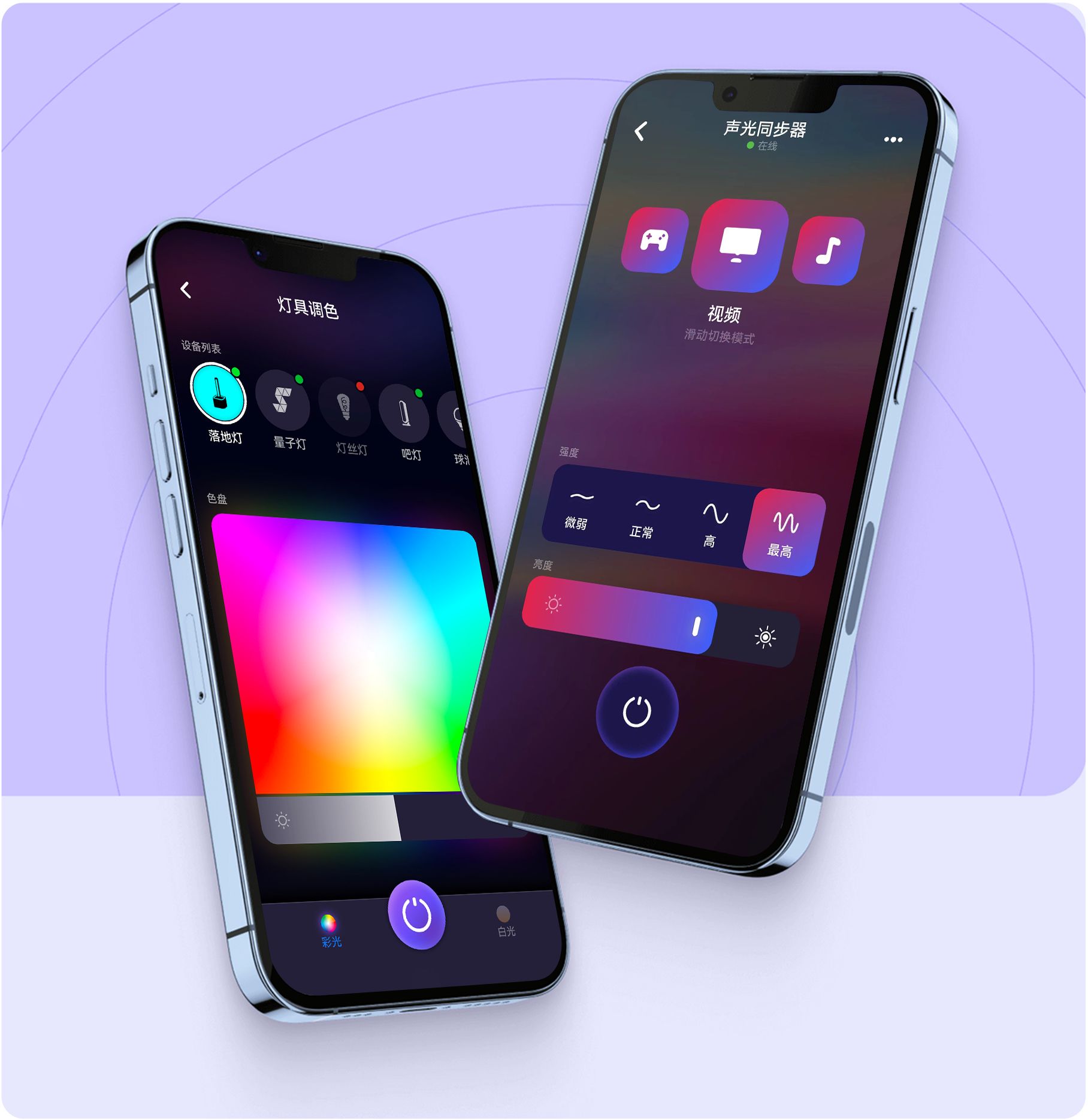
FancyLink
Turn a favourite colour into a feeling.
Explore light through a colour wheel, dynamic dimming and a scene library. Add compatible sync equipment to bring the colours of your entertainment into the room.
- Colour wheel and dynamic dimming
- Scene library
- Audio-visual sync with compatible equipment
Audio-visual synchronisation requires the appropriate sync device and compatible lights.
Desktop synchronisation software
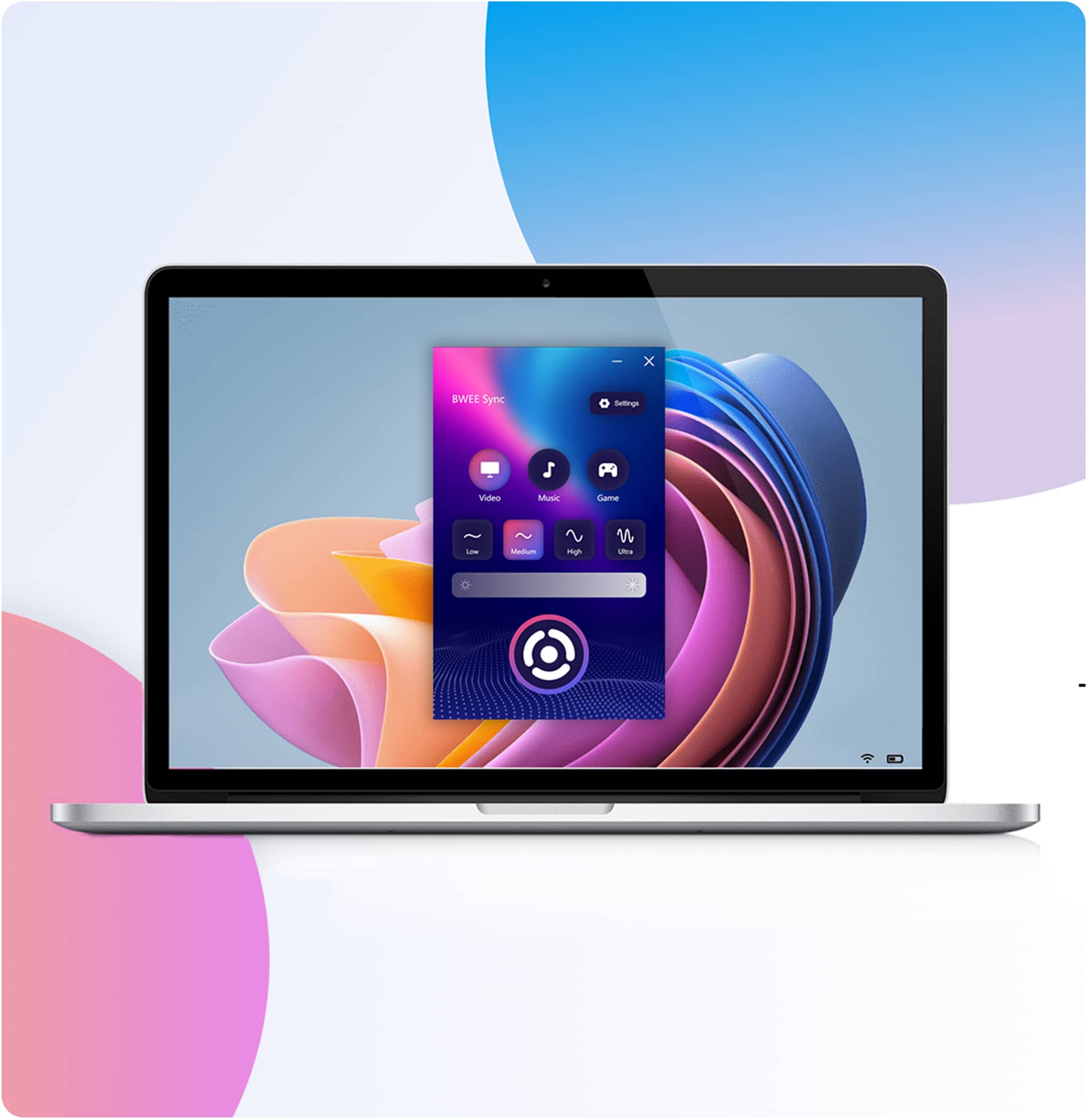
BWEE Sync Desktop
Let the moment move beyond the screen.
Immerse yourself in movies, games and music with interactive lighting that transforms your space into an entertainment experience like never before.
- Video mode
- Music mode
- Game mode
Recent Windows 10 versions and Windows 11; Apple-silicon M-series Mac with macOS Sonoma 14.2 or later. Check the download centre for current installation requirements.


A few things to know.
1. Where can I download the app? Are there system requirements?
Download the app you need from BWEE's website (https://www.bweetech.com/sas/download). 1. FancyLink is also available in major mobile app stores and supports Android and iOS. 2. The BWEE Sync desktop app supports macOS and Windows 10/11.
WE ARE HERE TO HELP